Command and Control: Navigating Intraday Volatility with thinkorswim
Platform Blueprint
- Architectural Foundations of the Terminal
- Latency and Quote Speed Calibration
- Active Trader: Institutional Speed Execution
- Advanced Charting and Geometric Patterns
- Stock Hacker: Momentum Discovery Logic
- ThinkScript: Custom Algorithmic Studies
- Risk Mitigation via Bracket Order Protocols
- Paper Money: The Scientific Sandbox
The shift from a casual retail participant to a disciplined intraday speculator requires more than a mere change in psychology. It demands an environment capable of processing institutional-level data streams with minimal latency. Within the current brokerage landscape, thinkorswim remains the premier vehicle for individuals seeking this high-performance edge. Originally a proprietary platform developed by TD Ameritrade and now a flagship of the Charles Schwab ecosystem, it provides a degree of customization typically reserved for professional trading desks.
Operating within this terminal involves managing a complex hierarchy of data, technical studies, and execution ladders. For the day trader, the objective is the exploitation of brief windows of market imbalance. To achieve this, one must transform the software into a personalized command center where every hotkey and data point serves a specific tactical purpose. This guide provides the mechanical and mathematical frameworks required to master the platform for sustained capital growth.
Architectural Foundations of the Terminal
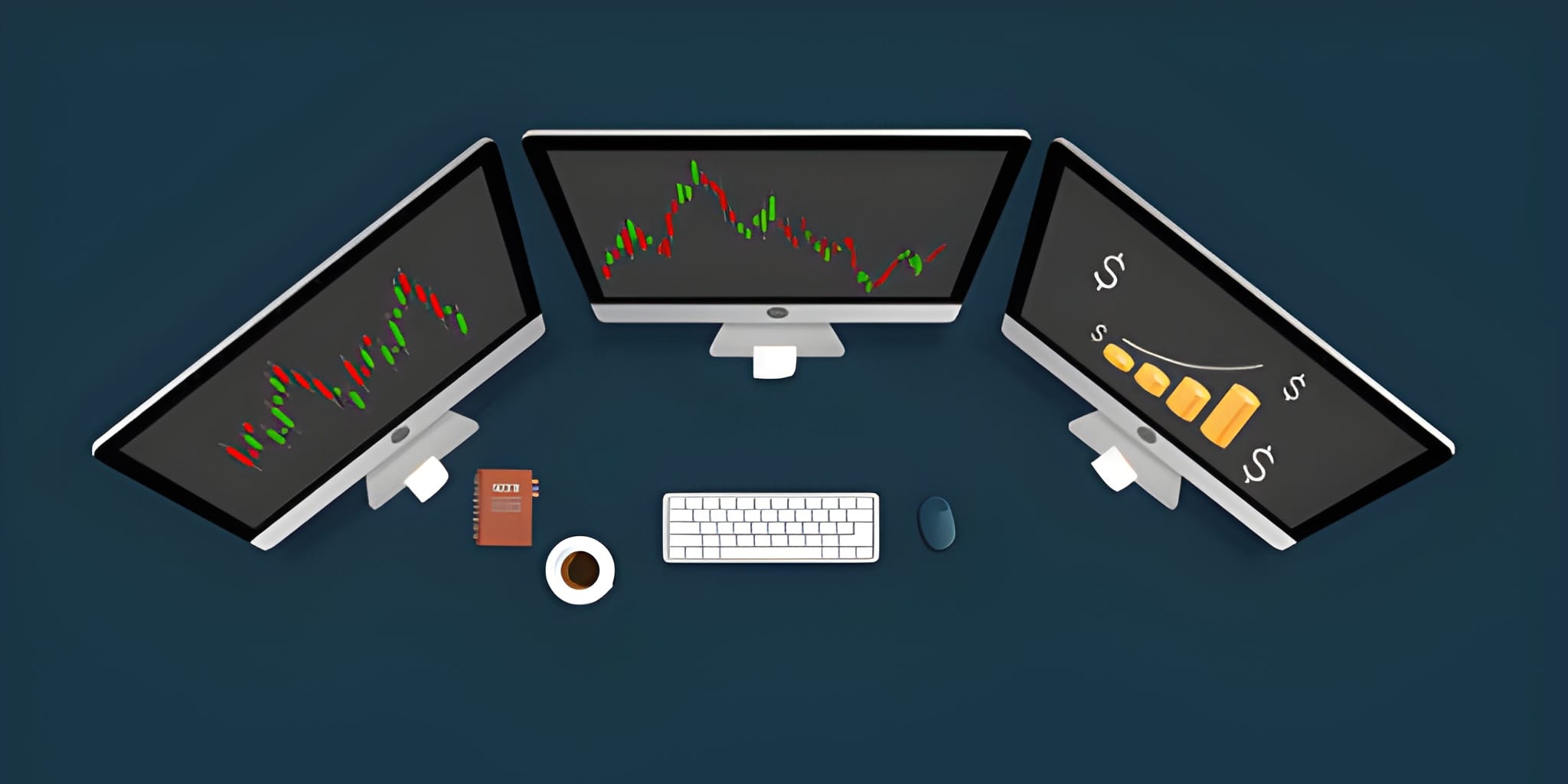
Thinkorswim functions as a modular workspace. Unlike standard web-based brokerage interfaces that limit users to a fixed layout, the platform allows for the total detachment of every analytical component. This "Modular Architecture" permits the distribution of charts, order ladders, and news feeds across multiple monitors, reducing the cognitive load required to track various asset classes simultaneously.
Following the transition of TD Ameritrade clients to the Charles Schwab infrastructure, the platform has retained its core technical identity while gaining the banking stability of a global financial powerhouse. Traders continue to utilize the same high-frequency tools, now backed by enhanced security protocols and expanded asset access.
Latency and Quote Speed Calibration
A professional terminal is only as effective as the data feeding it. One of the most common errors among novice thinkorswim users involves the default data settings. To conserve bandwidth, the platform often defaults to a 3-second delay in quote updates. For a day trader monitoring 1-minute charts, this delay is catastrophic.
You must manually adjust the quote speed to ensure you are viewing the most current price action. Navigate to Setup > Application Settings > System. Change the Quote Speed to Real-Time (No Delay). Furthermore, ensure your Memory Usage settings are optimized based on your hardware's RAM capacity to prevent platform freezing during high-volatility sessions.
Active Trader: Institutional Speed Execution
The "Active Trader" tab represents the heart of the execution engine. For intraday momentum, the standard order entry screen is too cumbersome. Active Trader provides a "Price Ladder"—a vertical display of the Depth of Book—allowing for instantaneous order placement.
| Execution Feature | Standard Interface | Active Trader Ladder | Strategic Benefit |
|---|---|---|---|
| Order Placement | Manual Entry Form | Single-Click on Price | Capture rapid momentum moves |
| Data Visibility | Bid/Ask Spread Only | Full Level 2 Depth | Identify large buy/sell orders |
| Confirmation | Dialogue Box Pop-up | Optional Auto-Send | Immediate market entry/exit |
| Position View | Separate Tab | Integrated on Ladder | Unified risk monitoring |
Advanced Charting and Geometric Patterns
Charting in thinkorswim utilizes a proprietary graphics engine that supports hundreds of technical indicators. Professional speculators often detach their primary charts into a "Flexible Grid." This allows for the synchronization of multiple timeframes for a single ticker. For instance, a 5-minute chart for execution and a 60-minute chart for broad trend confirmation.
The platform supports "User-Defined Studies." Traders often combine standard moving averages with VWAP (Volume Weighted Average Price) and RSI (Relative Strength Index). By using "Shared Links," you can import institutional-grade indicator sets from veteran traders, allowing you to instantly view the market through the lens of a professional analyst.
Stock Hacker: Momentum Discovery Logic
The "Scan" tab is a massive filtering engine that sifts through the entire US equity market in real-time. Instead of manually searching for a stock that is "gapping up," you build a logical query that finds these tickers automatically.
Price is between 10.00 and 100.00 dollars
Daily Volume is greater than 1,000,000 shares
SCTR (StockCharts Technical Rank) is above 70
Shares are gapping up more than 3%
By linking your scan results to a Color-Coded Watchlist, you can cycle through dozens of high-probability setups in seconds. When a ticker meets your scan criteria, it appears in your watchlist; clicking it instantly updates your entire detached monitor setup to that specific security.
ThinkScript: Custom Algorithmic Studies
One of the most profound advantages of thinkorswim is ThinkScript, a built-in programming language. ThinkScript allows you to create your own indicators, alerts, and even automated order triggers. You do not need professional coding experience to utilize this tool, as the syntax is designed for financial readability.
Instead of staring at a chart for hours, you can program a ThinkScript alert that sends a notification to your mobile device when a specific technical crossover occurs. This "Passive Surveillance" ensures that you only interact with the market when your specific edge is present.
Risk Mitigation via Bracket Order Protocols
Success in day trading is the result of rigorous risk management. Within the Active Trader ladder, you can configure Bracket Orders. A bracket order automatically places an "OCO" (One-Cancels-the-Other) instruction: it sets a profit target and a stop-loss simultaneously the moment your entry order fills.
This mechanical approach to risk removes the destructive influence of human emotion. By defining the exit before the entry, you prevent the "Loss Aversion" bias that often leads beginners to hold losing trades far too long.
Paper Money: The Scientific Sandbox
Before committing actual capital to a new strategy, you must validate it within a risk-free environment. Thinkorswim provides Paper Money, a full simulation of the platform using real-time market data. This is not a toy; it is a clinical environment where you can test your ThinkScripts, hotkey configurations, and psychological discipline.
Professionals use the simulator to "forward-test" strategies for 30 consecutive days. If a strategy cannot produce a positive expectancy in the simulator, it has no mathematical justification for being used in the live market.
Scaling: The Roadmap to Professional Status
The journey to professional intraday trading involves a transition from surviving to scaling. Thinkorswim provides the necessary infrastructure for this progression. By mastering the Active Trader ladder, optimizing your quote speeds, and utilizing bracket orders for risk containment, you build a sustainable trading business.
Patience remains the ultimate edge. The platform provides the data, but the trader provides the discipline. Treat your trading as a business of probabilities, respect the technical levels identified by your scans, and allow the mathematical compounding of consistent wins to build your wealth over time.