The Digital Trading Floor: Ranking the Premier Platforms for Technical Analysis
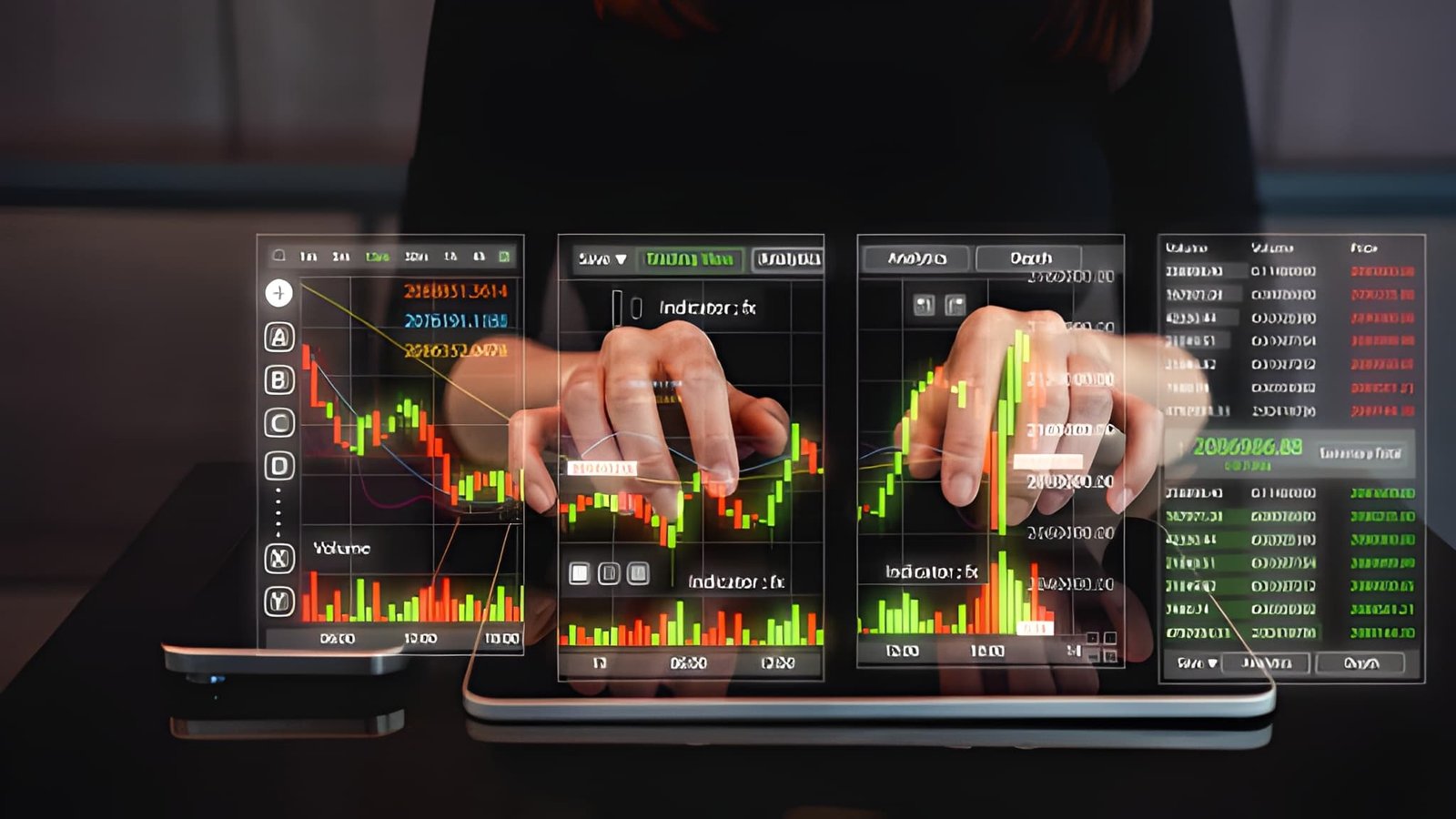
A professional technician is only as effective as the environment in which they operate. While the core principles of support, resistance, and momentum remain universal, the efficiency with which a trader can identify and execute upon these signals varies wildly depending on their chosen software. In the modern market, a trading platform is no longer just a place to see a chart; it is a high-performance engine designed for data processing, backtesting, and automation.
Choosing the right platform requires a deep understanding of your own trading sub-specialty. A high-frequency swing trader requires vastly different tools than an institutional merger arbitrageur. The premier platforms distinguish themselves through scripting flexibility, data latency, and order execution logic. This guide breaks down the industry leaders, stripping away the marketing jargon to reveal the functional reality of each ecosystem.
Essential Platform Selection Criteria
Before exploring specific brands, we must establish the benchmarks for quality. A platform failing in any of these three pillars—Speed, Breadth, and Stability—poses a systemic risk to your capital.
Does the platform allow for custom scripting (e.g., Pine Script, C#)? A professional must be able to modify standard indicators to fit their specific risk parameters.
Modern technical analysis often requires monitoring setups on a desktop while managing execution via mobile. Cloud-based synchronization of drawings and alerts is non-negotiable.
Non-conflated data is vital. Many "free" platforms use sampled data, which can hide the very volume spikes and price rejections a technician seeks to trade.
TradingView: The Web-Based Powerhouse
TradingView has fundamentally disrupted the industry by offering institutional-grade charting via a standard web browser. It has become the "social network" of the trading world, boasting millions of scripts shared by a global community. Its primary strength lies in its Pine Script language, which allows for the creation of incredibly complex automated alerts and strategies with relatively simple code.
Primary Advantages: No installation required; works seamlessly on Mac, Windows, and Linux. The alerting system is server-side, meaning your computer does not need to be on for your alerts to trigger. Superior UI/UX with smooth, fluid charting.
Primary Disadvantages: Browser-based memory limitations can slow down the platform if you have 50+ indicators running. Broker integration is growing but still lags behind dedicated desktop terminals like Thinkorswim.
Thinkorswim: Analytical Desktop Depth
Thinkorswim (now a part of Charles Schwab) remains the gold standard for North American equity and options traders. As a desktop application, it utilizes your computer's local processing power to run complex simulations. Its thinkScript language is one of the most powerful analytical tools available, allowing traders to "scan" thousands of stocks in real-time based on specific technical criteria.
One of the most valuable features for a technician is the OnDemand function. This allows you to "rewind" the market to any date and time in the past to practice your technical entries as if it were happening live. This "game film" approach is essential for developing the pattern recognition required for high-stakes swing trading.
NinjaTrader: Professional Customization
NinjaTrader is the preferred environment for futures traders and those who require deep automated execution. Unlike the web-based ease of TradingView, NinjaTrader is a high-performance terminal that requires a steeper learning curve. It is built on C#, allowing for nearly limitless customization of the trading interface.
| Platform | Ideal Asset Class | Scripting Language | Primary Strength |
|---|---|---|---|
| TradingView | FX, Crypto, Global Stocks | Pine Script | Community & Web Accessibility |
| Thinkorswim | Equities & Options | thinkScript | Scanning & Options Analysis |
| NinjaTrader | Futures & Automation | C# (.NET) | Low Latency Execution |
| TrendSpider | Swing Trading Stocks | Visual (No Code) | Automated Trendline Detection |
TrendSpider: Automated Logic and AI
TrendSpider represents the next generation of technical analysis software. Rather than requiring the trader to draw every trendline manually, it uses Machine Learning to detect key support and resistance levels. This removes the "subjectivity bias" that often plagues retail technicians.
A unique feature of TrendSpider is Raindrop Charts. These charts replace traditional candlesticks with volume-weighted profiles, showing you where the "point of control" (the price where most volume occurred) is located within each bar. This provides a three-dimensional view of the market that traditional candles simply cannot match.
The Critical Role of Data Integrity
Technicians often overlook the source of their data. Most "low-cost" platforms use Composite Feeds, which aggregate data from various exchanges but might miss significant trades occurring on private dark pools or smaller exchanges. Professional charting platforms offer direct exchange feeds (Level 1 and Level 2).
Hidden Cost per Trade: 500 * 0.02 = $10.00 Trades per Month: 40 Total Annual "Invisible" Cost: $4,800.00
Note: A high-quality $1,000/year data feed effectively saves you $3,800 in slippage and bad entries.
Cost-Benefit Math for Subscribers
When evaluating the cost of a platform, you must categorize it as either a Fixed Operating Cost or a Variable Performance Cost. A subscription to a charting service is fixed. However, the features included can lower your variable costs by reducing errors and improving timing.
For instance, a platform that offers Automated Multi-Timeframe Analysis can save a trader several hours of manual charting per week. If your time is valued at $100 per hour, a platform that saves you 4 hours a week is worth $400 in labor value alone. Professional traders view their software as an employee that works for pennies on the dollar.
Matching Personality to Technology
The "best" platform is ultimately the one that fits your psychological profile. If you are a social learner who enjoys seeing what others are trading, TradingView is incomparable. If you are a "quant" who wants to build automated bots that trade while you sleep, NinjaTrader is your destination.
1. Cloud Backups: Can I access my exact chart layout from a library computer if my laptop breaks?
2. Tick-by-Tick Data: Does the platform allow me to see every individual transaction, or is it consolidated into 1-second chunks?
3. Backtesting Reliability: Does the strategy tester account for slippage and commissions, or does it show "unrealistic" perfect results?
4. Customer Support: If the platform freezes during a Fed announcement, can I reach a human within 60 seconds?
In conclusion, technical trading is a high-performance sport. Just as a professional racer would not compete in a standard passenger car, a serious trader should not rely on a basic brokerage "web ticket" for their analysis. By investing in a dedicated platform like Thinkorswim, TradingView, or NinjaTrader, you are upgrading your sensory input, allowing you to see market turns with a clarity that basic charts simply cannot provide.
Preserve your capital by investing in your tools. The market is populated by institutional algorithms and high-speed terminals; the only way to compete is to ensure that your window into the price action is as clear and fast as the professionals on the other side of the trade.