- The Philosophy of Trading Infrastructure
- Hardware: The Engine of Data Processing
- Execution Software vs. Analysis Platforms
- Scanning and Algorithmic Alert Systems
- Spatial Logistics: Multi-Monitor Design
- Networking Physics and Connection Stability
- Redundancy: Failover and Power Protection
- Performance Analytics and Journaling Stack
- Workstation Ergonomics and Mental Health
- Final Professional Specification Table
In the contemporary financial arena, the distance between identifying a technical setup and achieving a fill is paved with silicon and fiber optics. For the professional day trader, a computer is not merely a tool; it is a clinical investment in Execution Alpha. When market volatility surges—such as during a Consumer Price Index (CPI) release or an unscheduled corporate merger announcement—trading platforms ingest millions of data packets per second. A standard "off-the-shelf" consumer device often bottlenecks during these critical intervals, leading to software "lag" and significant slippage. Building a professional desk is about ensuring that your technical capacity always exceeds the market's peak volatility requirements. Success depends on maintaining a seamless interface where your biological reflexes are never limited by digital latency.
Hardware: The Engine of Data Processing
The Central Processing Unit (CPU) is the brain of your operation. Every tick on your chart and every level II update is a calculation. While modern CPUs may have 16 or 32 cores, most trading software handles the primary data feed through a single thread. If your CPU has many cores but a low base clock speed, your charts will stutter during high-volume periods. Professionals favor CPUs like the Intel Core i9 or AMD Ryzen 9 series, specifically those with high "boost" frequencies.
Random Access Memory (RAM) acts as the workspace. When you open fifty charts, a real-time scanner, and a news browser simultaneously, your computer must hold all that data in RAM for instant retrieval. For a professional desk, 32GB of RAM is the absolute floor, while 64GB provides the necessary headroom for complex algorithmic backtesting or data-intensive studies. Furthermore, the speed of the RAM (DDR5) impacts the micro-latency of data rendering on the screen.
While storage does not impact the speed of live data feeds, it drastically affects Startup and Platform Stability. Professional traders utilize Gen4 or Gen5 NVMe SSDs. If your computer crashes mid-trade, a high-speed NVMe drive allows you to reboot and reconnect to your broker within 20 seconds. A traditional hard drive or even a standard SATA SSD could keep you sidelined for minutes—a lifetime when a position is moving against you.
Execution Software vs. Analysis Platforms
A common error among beginners is confusing Analysis tools with Execution tools. TradingView, for example, is a world-class analysis platform with an elegant interface and social integration. However, for high-frequency scalping or momentum trading, it may not offer the sub-millisecond hotkey execution required. Professional execution software—such as DAS Trader Pro, Lightspeed, or Sterling Trader Pro—is designed for speed and direct market access (DMA).
Examples: TradingView, TrendSpider.
Best for: Planning and post-trade review.
Examples: DAS Trader Pro, Thinkorswim (Active Trader).
Best for: Clicking the button in high-stress sessions.
The professional trader often utilizes a Hybrid Stack. They may perform their technical analysis on TradingView across multiple monitors but keep their DAS Trader Pro "Active Trader" ladder ready for immediate execution. This separation of concerns ensures that the visual "weight" of charting software does not impact the speed of the execution engine.
Scanning and Algorithmic Alert Systems
Searching for trades manually is a losing proposition. The market produces too much data for a human to filter. Professional traders utilize "Market Scanners" that act as automated filters. Trade Ideas is the industry standard, providing real-time alerts for specific technical criteria—such as "Relative Volume Spike" or "Crossing VWAP on 1-Minute Chart."
These tools allow you to outsource the Search Phase of trading. By the time a stock appears on your professional scanner, it has already met all your strategic prerequisites. This reduces the mental fatigue of staring at thousands of symbols, allowing you to save your psychological capital for the Decision Phase. Effective software integration means your scanners "feed" your charts, and your charts "feed" your execution ladder.
Spatial Logistics: Multi-Monitor Design
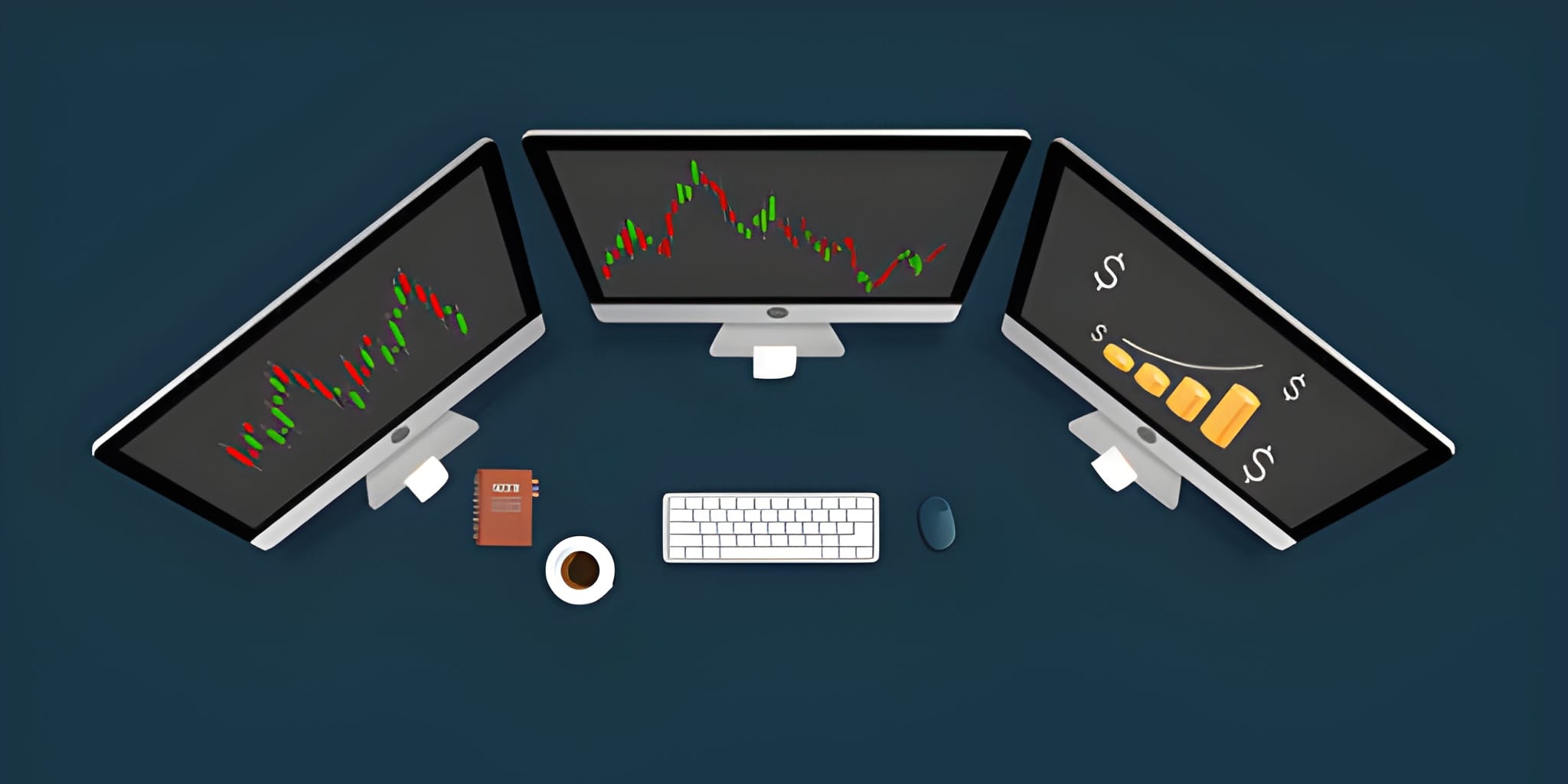
Screen real estate is the day trader’s most valuable spatial asset. Spatial Awareness allows you to see the 1-minute chart, 5-minute chart, and Daily chart of a stock simultaneously, along with the Level II depth and the broad market index (SPY/QQQ). A single monitor forces you to "tab" between views, which introduces a "Cognitive Switching Cost" and hides critical information.
Networking Physics and Connection Stability
You can have a $10,000 computer, but if your internet connection is unstable, you are trading with a blindfold. Professional trading requires Low Latency and Zero Packet Loss. Wi-Fi is unacceptable for intraday execution because it is susceptible to "Jitter"—the variance in latency that causes price data to "jump" rather than flow smoothly. A hardwired CAT6 or CAT7 Ethernet connection is mandatory.
Avg Latency (Fiber/Hardwired): 15ms - 30ms
Slippage Math:
In a 10-cent-per-second breakout,
a 100ms delay costs you 1 cent per share.
On 2,000 shares, this is $20 per trade.
Annual Hidden Cost: $5,000+
Redundancy: Failover and Power Protection
Trading is a business of risk management, and that includes Infrastructure Risk. A power outage or an internet drop can be catastrophic if you are in a high-leverage position. Professional desks utilize an Uninterruptible Power Supply (UPS) for their computer and router. A UPS provides battery backup for long enough to close your positions and shut down safely.
Furthermore, a Secondary Internet Connection is a prerequisite. Most modern routers allow for "Dual-WAN" support, where your computer can switch to a mobile 5G hotspot automatically if your primary fiber line is cut. If the system fails, you should have your broker's "Live Trade Desk" phone number saved as a physical contact in your phone to liquidate positions manually if all digital channels fail.
Performance Analytics and Journaling Stack
The software stack is incomplete without a feedback loop. Professional journaling software like TraderSync or Tradervue automatically imports your trades from your broker. It analyzes your "Mistakes" and "Successes" through a statistical lens, revealing which time of day you are most profitable and which setups are currently underperforming.
Data-driven journaling removes the Emotional Bias from your performance review. It turns a "bad day" into a collection of data points that can be used to refine your edge. If you don't track your data with professional software, you are merely guessing at your progress. The journal is the mirror that reveals the truth about your execution.
Workstation Ergonomics and Mental Health
Trading requires hours of intense focus. If your chair is uncomfortable or your monitors are at the wrong height, physical discomfort will eventually degrade your decision-making. Professionalism extends to the physical environment. A high-quality ergonomic chair (like the Herman Miller Aeron) and a standing desk are not luxuries; they are investments in Decision Longevity.
Professional Specification Comparison
| Component | Minimal (Starting Out) | Professional (Execution Ready) | Institutional (Elite) |
|---|---|---|---|
| CPU | Intel i5 / Ryzen 5 | Intel i7 / Ryzen 7 (4.5GHz+) | Intel i9 / Ryzen 9 (5.5GHz+) |
| RAM | 16GB DDR4 | 32GB DDR5 | 64GB DDR5 (Low Latency) |
| Displays | Dual 24-inch 1080p | Quad 27-inch 1440p | Six 32-inch 4K / Ultrawides |
| Network | Cable (Wi-Fi) | Fiber (Hardwired CAT6) | Business Fiber w/ 5G Failover |
| Software | Free Web Charting | DMA Platform + Scanner | Full Algorithmic Terminal |
Final Execution Framework
A professional day trading desk is a synthesis of velocity and visibility. It is a system designed to remove every possible point of friction between your brain and the exchange servers. While your technical skills are the driver, your infrastructure is the vehicle. You cannot win a high-speed race in a vehicle with a limited engine or a cracked windshield.
Invest in your infrastructure with the same rigor you apply to your risk management. High clock speed CPUs, redundant power systems, direct market access software, and data-driven journaling are the pillars of a sustainable trading business. By removing the technical variables from the equation, you ensure that the only variable in your success is your own discipline. The market provides the opportunity; your infrastructure provides the means to capture it. Build the rig, follow the process, and let the mathematics of professional execution work in your favor.