Engineered for Execution: The Professional Day Trading Computer Setup Guide
Analyzing hardware benchmarks, network architecture, and physical redundancy for institutional-grade intraday trading operations.
In professional day trading, your computer is not merely a tool; it is a high-performance engine designed to ingest massive streams of real-time data, perform millisecond-level calculations, and execute orders with zero latency. While a retail user might focus on "specs" for gaming or video editing, a day trader prioritizes system stability and sustained multi-threaded performance. A setup that "stutters" for even a second during a volatility event can lead to catastrophic slippage and unmanageable risk exposure.
Constructing a professional workstation involves decoupling the hardware from standard consumer requirements. You are building a system that must maintain 99.99% operational uptime during market hours. This guide explores the institutional standards for hardware selection, providing a roadmap for those transitioning from basic laptops to dedicated trading stations.
CPU: The Engine of Multi-Threading
The Central Processing Unit (CPU) is the most critical component. Trading platforms like NinjaTrader, Thinkorswim, or DAS Trader Pro are intensive on single-core clock speeds while simultaneously requiring multiple threads to manage background data feeds (WebSockets), order book calculations, and technical indicator overlays.
For day trading, Single-Core Frequency is paramount. Many indicators calculate sequentially. However, a high core count is necessary to prevent "Freezing" when you have 40+ charts open simultaneously. Aim for a balanced high-frequency processor.
Institutional desks typically utilize the latest generation Intel Core i7/i9 or AMD Ryzen 7/9 series. Threadripper CPUs are generally overkill unless you are running local high-frequency backtests on massive tick datasets.
| Tier | Recommended CPU | Minimum Core Count | Base Clock |
|---|---|---|---|
| Professional | Intel i9-14900K / Ryzen 9 7950X | 16+ Cores | 3.4 GHz+ |
| Advanced | Intel i7-14700K / Ryzen 7 7800X | 8 - 12 Cores | 3.0 GHz+ |
| Entry (Intraday) | Intel i5-13600K / Ryzen 5 7600X | 6 Cores | 2.8 GHz+ |
RAM and Memory Management
Random Access Memory (RAM) acts as the workspace for your trading platform. Trading software is notoriously inefficient with memory, often suffering from "Memory Leaks" during long sessions. For a professional setup, 16GB is no longer the standard; it is the bare minimum. Professional-grade setups should target 32GB or 64GB of DDR5 RAM.
GPU and Multi-Monitor Arrays
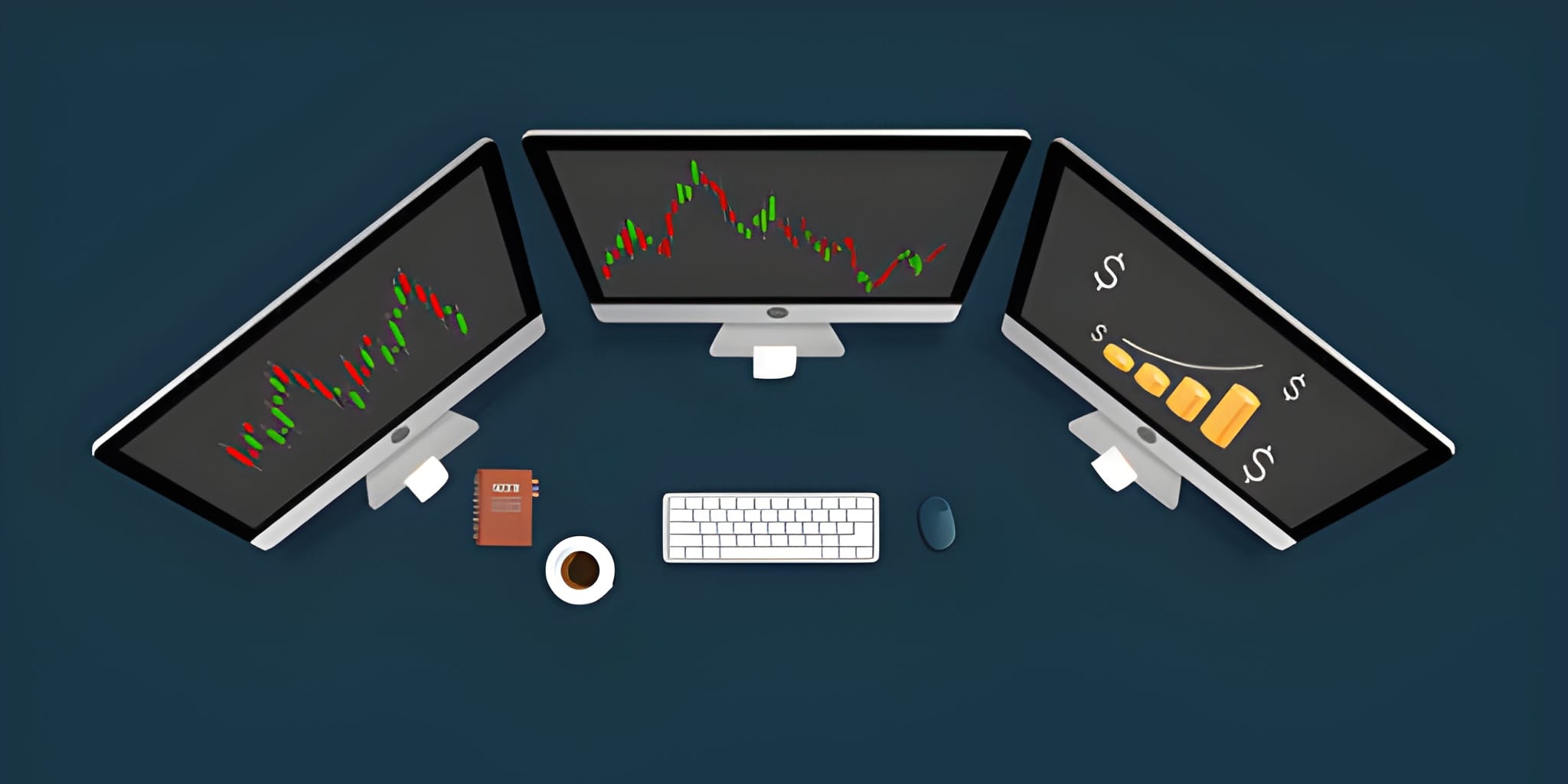
The Graphics Processing Unit (GPU) in a trading setup is not for rendering high-fidelity graphics, but for managing Screen Real Estate. A professional day trader needs to monitor multiple timeframes, various asset classes, news feeds, and the Level 2 order book simultaneously. This requires a multi-monitor array.
Most professional setups utilize 4 to 6 monitors. A dedicated GPU with multiple DisplayPort/HDMI outputs (like an NVIDIA RTX 4070 or a workstation-grade Quadro) is necessary to drive these displays without taxing the CPU. 4K resolution is recommended for larger screens (27" to 32") to maximize the number of visible candles without sacrificing clarity.
Network Integrity and Latency
In day trading, your internet connection is your lifeline. A 100ms delay in your connection can result in a significant price difference on your fill. Wireless connections (Wi-Fi) are strictly prohibited for professional execution due to Packet Loss and Jitter.
Latency is measured via "Ping" to the exchange servers. If you are trading the NASDAQ, your setup should ideally show a ping of under 30ms to the New Jersey area servers. Using a Virtual Private Server (VPS) co-located near the exchange is a common institutional strategy to bypass the inherent latency of residential internet paths.
Power Redundancy and UPS
A power outage while you are in a leveraged position is an operational nightmare. A professional workstation must be connected to an Uninterruptible Power Supply (UPS). A UPS provides battery backup for your PC and monitors, giving you 10-20 minutes of power to gracefully exit your positions and shut down the system in the event of a blackout.
Ergonomics and Workstation Health
Day trading is a marathon of focus. Poor ergonomics lead to physical fatigue, which directly impacts decision-making. Your setup should prioritize the "Human-Machine Interface."
- Monitor Placement: Monitors should be at eye level to prevent neck strain. A dedicated monitor mount arm is essential for custom arrays.
- Peripherals: A mechanical keyboard and an ergonomic mouse with high polling rates ensure that your "Clicks" are registered instantly.
- Seating: A high-quality ergonomic chair (e.g., Herman Miller or Steelcase) is an investment in your mental longevity during 8-hour sessions.
Mobile vs. Desktop Trading
While many influencers promote "Laptop Trading" from a beach, it is functionally impossible to maintain institutional-grade performance on a single mobile screen. Laptops are suitable for Monitoring and Emergency Management, but the primary execution engine should always be a dedicated desktop workstation.
| Setup Component | Desktop (Primary) | Laptop (Emergency Backup) |
|---|---|---|
| Stability | High (Wired/Cooled) | Moderate (Battery/Thermal Throttling) |
| Real Estate | 4 - 6 Monitors | 1 - 2 Screens |
| Reliability | UPS Backed | Internal Battery |
| Network | Cat6 Ethernet | Wi-Fi / 5G |
Strategic Conclusion
A day trading computer setup is the physical manifestation of your professional discipline. By prioritizing CPU clock speed, ample RAM, multi-monitor efficiency, and network redundancy, you remove the "Technical Variables" from your trading equation. When you sit down to trade, your only concern should be the market, not your hardware. In an environment defined by competition against high-frequency algorithms, having the most robust infrastructure available is the first step toward achieving a sustainable edge.