- The Philosophy of Trading Infrastructure
- The CPU: Clock Speed vs. Core Count
- RAM: Managing Multi-Layered Data Streams
- GPU and the Multi-Monitor Workflow
- Storage: NVMe Speed and Data Integrity
- Networking Physics: The Latency War
- Thermal Stability and Silent Operation
- Power Protection and Failover Redundancy
- Laptops vs. Desktops: The Mobility Trade-off
- The 2026 Professional Spec Sheet
In the contemporary financial landscape, the distance between an idea and an execution is paved with silicon. For the professional day trader, a computer is not merely a tool; it is a clinical investment in Execution Alpha. When market volatility surges—such as during a Consumer Price Index (CPI) release or an unscheduled Federal Reserve announcement—trading platforms like Thinkorswim, DAS Trader Pro, or NinjaTrader ingest millions of data packets per second. A standard "off-the-shelf" consumer laptop often bottlenecks during these critical moments, leading to software "lag," unresponsive buttons, and significant slippage. Building a dedicated trading rig is about ensuring that your hardware capacity always exceeds the market's peak volatility requirements. Success depends on maintaining a seamless interface where your biological reflexes are never limited by digital latency.
The CPU: Clock Speed vs. Core Count
The Central Processing Unit (CPU) is the engine of your trading operation. Every tick on your chart, every level II order update, and every algorithmic scanner alert is a calculation performed by the CPU. Most retail traders make the mistake of buying "Workstation" CPUs with 32 or 64 cores. However, trading software architecture typically runs the primary data feed through a single "main thread." If your CPU has many cores but a low base clock speed, your charts will stutter during high-volume periods despite your total CPU usage appearing low.
Modern professionals look for CPUs like the Intel Core i9-14900K or the AMD Ryzen 9 7950X3D. These processors offer extreme "Boost" clock speeds that ensure immediate data processing. The goal is to minimize the Internal Latency—the time it takes for the computer to calculate a new candle after receiving a tick from the exchange servers.
Burst vs. Sustained Speed: Many laptops claim "Up to 5.0 GHz," but they can only maintain that speed for seconds before heat forces them to "throttle" down. A desktop with a high-end liquid cooler can sustain these speeds for the entire trading session. This constant high-frequency operation ensures that your "Active Trader" ladder never freezes during a fast-moving short squeeze.
Instruction Per Clock (IPC): Newer generation CPUs perform more tasks in a single cycle. A 5.0 GHz processor from 2026 is significantly faster than one from 2020. Always aim for the latest architecture to stay ahead of the platform's increasingly complex visualization requirements.
RAM: Managing Multi-Layered Data Streams
Random Access Memory (RAM) acts as the "Short-term Workspace" for your computer. When you open twenty charts, a real-time market scanner, a Discord voice channel, and a browser with Bloomberg News, your computer must hold all that data in RAM for instant retrieval. If you run out of RAM, the computer uses the "Swap File" on your hard drive, which is thousands of times slower, leading to system-wide lockups.
For a professional trader, 32GB of RAM is the current floor. For those utilizing complex algorithmic backtesting or high-frequency scanners across thousands of symbols simultaneously, 64GB provides the necessary headroom. Furthermore, the speed of the RAM (measured in MT/s) impacts how quickly the CPU can access the data. DDR5 memory at 6000 MT/s or higher is the current gold standard for minimizing micro-stutters.
GPU and the Multi-Monitor Workflow
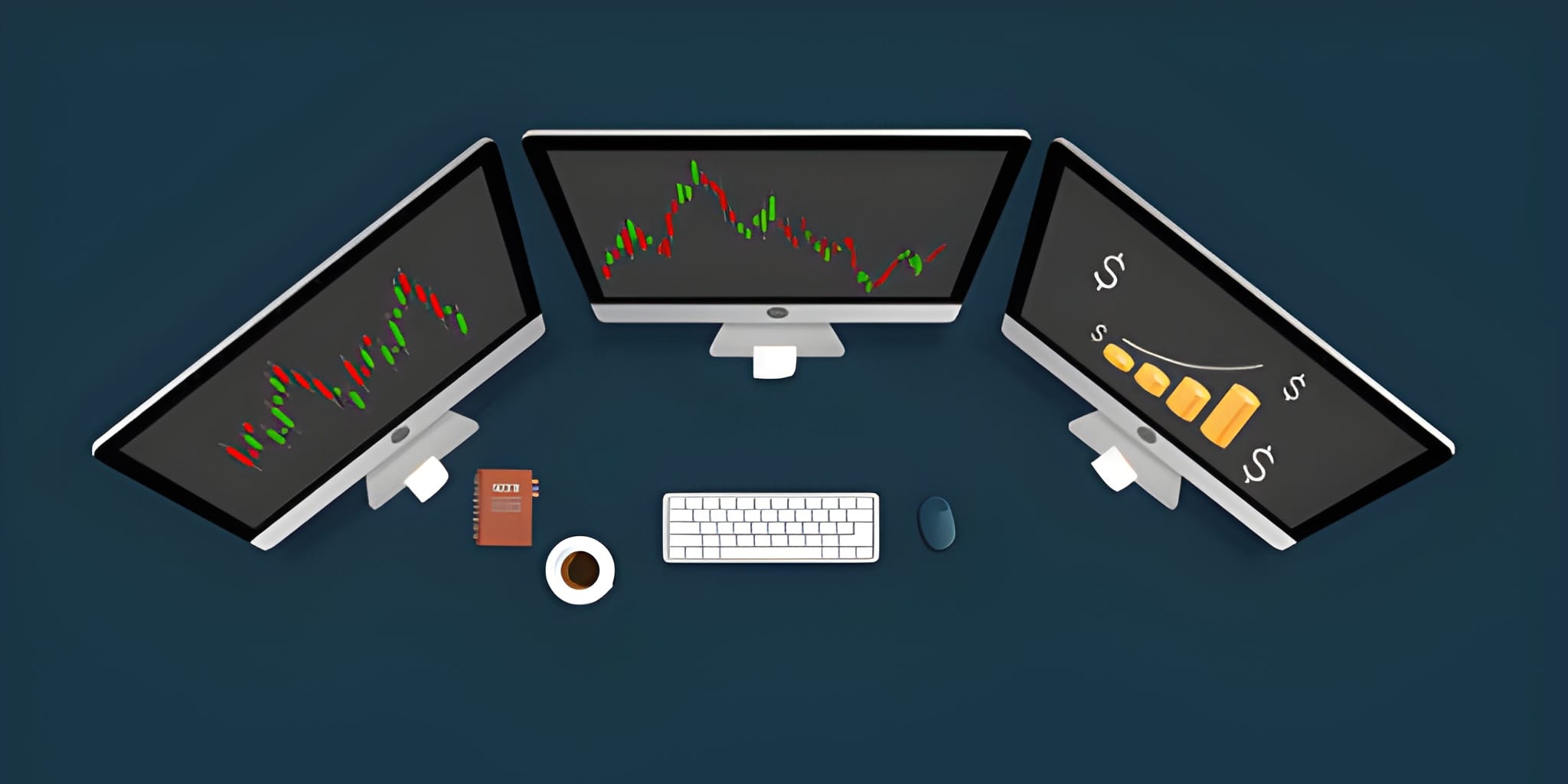
The Graphics Processing Unit (GPU) is often misunderstood in trading. You do not need a high-end "Gaming" GPU to render 2D charts. However, you do need a GPU that can drive multiple high-resolution displays without stress. A day trader’s most valuable asset is Spatial Awareness. Seeing the 1-minute, 5-minute, and Daily charts for three different stocks simultaneously requires significant screen real estate.
Professional desks typically utilize four to six monitors. To drive these, a mid-range GPU like the NVIDIA RTX 4060 or 4070 is sufficient, provided it has multiple DisplayPort and HDMI outputs. For traders seeking a minimalist setup, a single 49-inch Ultrawide monitor is equivalent to two 27-inch displays, providing a seamless "canvas" for complex chart layouts without the bezel gap.
Storage: NVMe Speed and Data Integrity
While storage does not impact the speed of your live data feed, it drastically affects the Startup and Platform Stability. Professional traders utilize NVMe M.2 Solid State Drives (SSDs). These drives offer read/write speeds of over 7,000 MB/s, allowing the operating system and trading platforms to load in seconds. More importantly, if your computer crashes during a trade, a fast NVMe drive ensures you can reboot and be back in your position within 30 seconds.
SATA SSD Reboot: 45 - 60 Seconds
Gen5 NVMe Reboot: 15 - 25 Seconds
Risk Exposure Delta:
At $100 per second of volatility exposure,
an NVMe drive saves you approximately $10,000
in "blind" risk during a single emergency reboot.
Networking Physics: The Latency War
You can have the fastest computer in the world, but if your internet connection is unstable, you are trading with a blindfold. Professional day trading requires Low Latency and High Jitter Stability. Wi-Fi is unacceptable for professional execution because it is susceptible to "packet loss" and interference from household appliances. A hardwired CAT6 or CAT6a Ethernet connection is a non-negotiable requirement.
Traders seek "Fiber-to-the-Home" (FTTH) internet service. Unlike cable or DSL, fiber provides symmetrical upload/download speeds and the lowest possible "ping" to exchange servers in New Jersey or Chicago. Reducing your ping from 60ms to 15ms gives you a 45ms advantage on every order—a lifetime in high-frequency scalping.
Thermal Stability and Silent Operation
Trading is a high-stress occupation. The last thing you need is a computer that sounds like a jet engine during the market open. High-performance CPUs generate significant heat. If the cooling system is inadequate, the CPU will "thermal throttle," reducing its speed by up to 50% to prevent damage. This usually happens exactly when the market is most active and your computer is working hardest.
Professional builds utilize large air coolers (like the Noctua NH-D15) or All-In-One (AIO) liquid coolers with 360mm radiators. High-quality fans allow the system to stay at maximum clock speed while remaining nearly silent, preserving the trader's psychological focus during volatile sessions.
Power Protection and Failover Redundancy
The "Invisible Threat" to any trading desk is a power surge or a brief outage. An Uninterruptible Power Supply (UPS) is an absolute requirement. A UPS acts as a massive battery that sits between your wall and your computer. If the power flickers for half a second, the UPS takes over instantly, preventing your computer from shutting down.
Furthermore, professionals maintain a Failover Internet strategy. Most modern routers allow for "Dual WAN," where a 5G mobile hotspot acts as a secondary connection. If your primary fiber line is cut, the router switches to the cellular network automatically, allowing you to manage and close your open positions without losing connectivity.
Laptops vs. Desktops: The Mobility Trade-off
While many "digital nomad" traders prefer laptops, they are structurally inferior for serious intraday work. Laptops are thermally constrained; they cannot dissipate heat as efficiently as a desktop, meaning they cannot sustain peak clock speeds for hours. Furthermore, driving four external monitors from a laptop requires complex docking stations that introduce another point of failure.
Unlimited monitor expansion.
Easy component replacement.
Superior thermal longevity.
Built-in battery (UPS).
Limited to 1-2 external screens.
Prone to thermal throttling.
Comprehensive Spec Comparison Table
| Component | Minimum (Budget) | Recommended (Pro) | Elite (HFT Spec) |
|---|---|---|---|
| CPU | Intel i5 / Ryzen 5 (3.5 GHz+) | Intel i7 / Ryzen 7 (4.5 GHz+) | Intel i9 / Ryzen 9 (5.5 GHz+) |
| RAM | 16GB DDR4 | 32GB DDR5 | 64GB DDR5 (Low Latency) |
| Storage | 500GB SATA SSD | 1TB NVMe Gen4 | 2TB NVMe Gen5 (RAID 1) |
| Monitors | Dual 24-inch 1080p | Quad 27-inch 1440p | Six 32-inch 4K / Ultrawide |
| Network | Cable (50 Mbps) | Fiber (300 Mbps) | Dedicated Business Fiber |
| Protection | Surge Protector | 1500VA UPS | Online Double-Conversion UPS |
Final Execution Framework
Building a professional day trading computer is about Risk Mitigation. Every hardware choice should be made through the lens of "What prevents a failure during the most critical minute of the day?" You do not need the most expensive components, but you do need the most reliable ones. High clock speed CPUs, redundant power supplies, and hardwired networking are the pillars of a professional desk.
The transition from a retail hobbyist to a professional speculator involves removing every possible point of friction. By investing in an institutional-grade rig, you ensure that the only variable in your success is your own decision-making process. The market provides the volatility; your hardware provides the visibility and the velocity to capture it. Treat your infrastructure with the same rigor you treat your trading plan, and you will find that consistency is far easier to achieve when you have absolute confidence in the engine driving your execution.