The Visual Terminal: Selecting the Optimal Graphics Card for Professional Day Trading
Analyzing Port Density, VRAM Allocation, and Systematic Rendering Stability
- The Structural Logic of a Trading GPU
- Gaming vs. Workstation: The Reliability Spectrum
- Port Density: The Master Requirement for Screen Real Estate
- The Mathematics of 4K Bandwidth and Latency
- VRAM Allocation: Why 8GB is the Modern Floor
- Top Hardware Recommendations for Every Tier
- Thermal Stability and Silent Operation Protocols
- Driver Management: Prioritizing Uptime Over Frame Rates
- Conclusion: The Strategic Investment
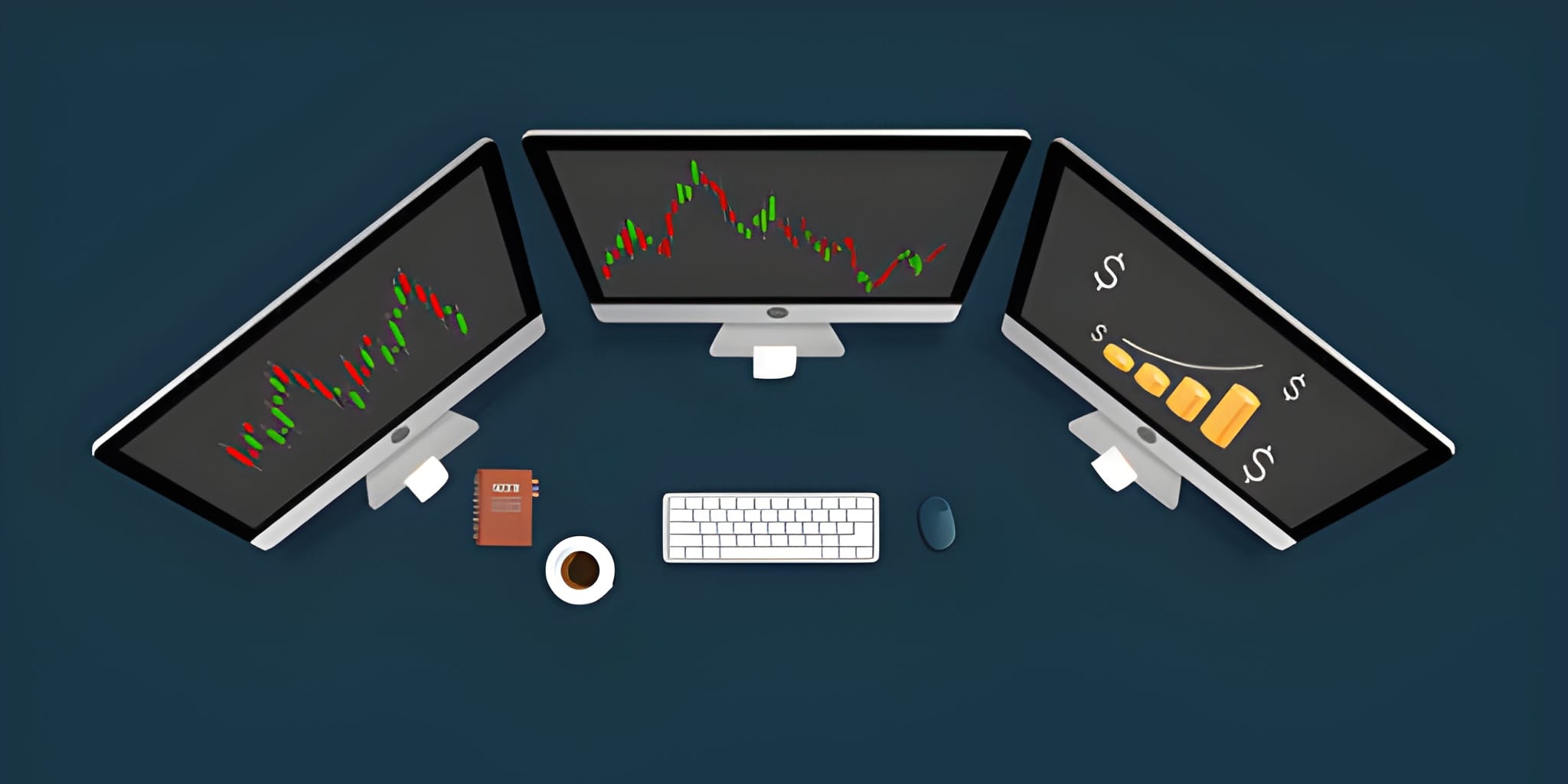
Professional day trading is fundamentally a task of pattern recognition and information processing. While a high-performance CPU handles the execution of trades and the calculation of technical indicators, the Graphics Processing Unit (GPU) acts as the bridge between raw data and human perception. In a multi-monitor environment—where a trader may be monitoring dozens of charts, order books, and news feeds simultaneously—the graphics card is responsible for maintaining a lag-free visual field. A stuttering chart or a frozen candle during a period of extreme volatility is not just an inconvenience; it is a structural failure that can lead to significant financial loss.
Unlike the gaming industry, which prioritizes raw "frame rates" (FPS), the trading world prioritizes Pixel Integrity, Port Density, and Driver Stability. You do not need a liquid-cooled powerhouse designed for ray-tracing in 3D environments. Instead, you require a card that can drive four to eight high-resolution displays with clinical precision while consuming minimal power and generating negligible noise. This guide explores the mechanical requirements for a trading GPU, providing a framework for selecting hardware that aligns with your specific workstation scale and risk-management needs.
The Structural Logic of a Trading GPU
At its core, a GPU for trading serves as an "Expander." The primary limitation for most retail setups is not the speed of the computer, but the physical ability to see the entire market landscape. A trader utilizing a single screen operates with a massive informational deficit. To compete with institutional participants, a trader requires a "Command Center" visual profile. This requires a GPU capable of managing the high pixel clock associated with 4K and 5K resolutions across multiple outputs.
Modern trading platforms, such as Thinkorswim or TradingView, utilize hardware acceleration. This means they offload the rendering of chart elements—moving averages, Fibonacci levels, and volume profiles—to the GPU. If the card is underpowered, the user interface will become sluggish as more windows are opened. A professional-grade GPU ensures that even when the market is "flushing" or surging, your visual feedback remains instantaneous. This immediate reaction is the prerequisite for high-stakes execution during the opening cross or a major news event.
Gaming vs. Workstation: The Reliability Spectrum
One of the most debated topics in trading hardware is the choice between consumer "Gaming" cards (NVIDIA GeForce / AMD Radeon) and professional "Workstation" cards (NVIDIA RTX A-series / AMD Radeon Pro). For the day trader, the distinction is found in the software drivers. Consumer cards utilize "Game Ready" drivers optimized for the latest software releases and high-speed motion. Workstation cards utilize "Enterprise" drivers that prioritize 100% uptime and multi-app stability.
For a small setup with two to three monitors, a GeForce RTX 4060 is more than sufficient and provides excellent value. however, for traders building "Wall-of-Monitor" setups (6+ screens), the Workstation class becomes the logical choice. These cards often feature smaller physical footprints (Single-Slot) and lower power draws, allowing you to install multiple cards in a single PC without overwhelming the power supply or cooling system. Furthermore, professional cards often support Mosaic Mode, which allows the computer to treat multiple monitors as a single, giant desktop canvas.
Consumer Tier (GeForce)
Best for value and high clock speeds. Excellent for 3-4 monitor setups. Requires more physical space and higher power consumption.
Workstation Tier (NVIDIA A-Series)
Optimized for 24/7 reliability. Single-slot designs allow for high GPU density. Certified for multi-app stability and professional data sets.
Integrated Graphics (iGPU)
Suitable only for secondary tasks. Modern iGPUs can drive two 4K screens but will struggle with heavy chart acceleration during high volatility.
Port Density: The Master Requirement for Screen Real Estate
The most critical specification for a trading GPU is not the core count, but the number of physical outputs. Most consumer cards are limited to four simultaneous displays. If you want to use six or eight monitors, you cannot simply add "Splitters" or "Adapters" without sacrificing resolution or refresh rate. You must understand the Internal Display Engines of the card.
A professional card like the NVIDIA T1000 or the RTX A2000 often comes with four Mini-DisplayPort outputs. Because of their low power profile, you can install two of these cards in a standard motherboard, providing eight dedicated outputs. This "Dual Card" strategy is the gold standard for institutional-style trading stations. It ensures that each monitor has a dedicated pathway to the GPU's memory, preventing the flickering and resolution downgrades associated with low-tier adapters.
The Mathematics of 4K Bandwidth and Latency
Understanding the bandwidth of your visual data is essential for preventing execution lag. A 4K monitor at 60Hz requires a massive amount of data to be pushed from the GPU to the screen every second. If your card's bandwidth is saturated, the OS will prioritize the cursor over the chart data, leading to a "Heavy" or "Delayed" feel when you move your mouse to execute a trade.
Total Pixels Per Screen: 8,294,400
60Hz Refresh Rate (60 frames per second)
8-bit Color Depth (3 bytes per pixel)
Data Per Screen: 8,294,400 * 60 * 3 = 1.49 GB/second
Result: Driving four 4K monitors requires approximately 6.0 GB/second of constant visual data flow. This is why a card with a 128-bit or 256-bit Memory Bus is required to prevent visual latency during high-speed market updates.
VRAM Allocation: Why 8GB is the Modern Floor
Video RAM (VRAM) is the dedicated memory used by the GPU to store the "Current View" of your charts and indicators. In a multi-monitor trading setup, every open chart consumes a portion of this memory. If you exceed your VRAM limit, the computer will begin using "System RAM," which is significantly slower, leading to immediate UI stuttering.
While 4GB of VRAM was sufficient for 1080p monitors, the transition to 4K has doubled the requirement. For a professional trader, 8GB of VRAM is the modern floor. If you intend to use six or more screens, targeting a card with 12GB or 16GB of VRAM provides the "Overhead" necessary to ensure that your platform never crashes during a period of peak volatility. Memory overhead is the insurance policy for your visual system.
Top Hardware Recommendations for Every Tier
Based on current market availability and driver stability, these models represent the most reliable choices for a day trading workstation. Use this grid to match a card to your specific monitor configuration.
| Setup Scale | Recommended GPU | Max Displays | VRAM | Key Advantage |
|---|---|---|---|---|
| The Minimalist (2-3 Screens) | NVIDIA GeForce RTX 4060 | 4 | 8GB | Exceptional value; powerful rendering. |
| The Professional (4 Screens) | NVIDIA RTX A2000 | 4 | 6GB / 12GB | Single-slot; ultra-low power; silent. |
| The Institutional (8 Screens) | 2x NVIDIA T1000 | 8 | 4GB (Per Card) | Modular; extremely stable drivers. |
| The Powerhouse (4K Ultrawides) | NVIDIA GeForce RTX 4070 Ti | 4 | 12GB | Highest bandwidth for 38-inch+ screens. |
Thermal Stability and Silent Operation Protocols
Trading is a job of intense focus. A computer that sounds like a jet engine can become a source of physiological stress during a losing trade or a high-tension entry. Most high-performance GPUs use aggressive fans that spin up under load. For a trading station, you should look for cards with "Zero RPM" modes—where the fans only spin when the card hits a specific temperature.
Workstation cards (like the T-series) are designed with "Blower" or small high-efficiency fans that maintain a consistent, low-decibel hum rather than the erratic spinning of gaming cards. Furthermore, ensure your PC case has proper "Positive Pressure" airflow. If your GPU gets too hot, it will Throttle its clock speed to protect itself, resulting in a sudden drop in visual performance exactly when the market is moving the fastest. Keep your hardware cool to keep your execution sharp.
Driver Management: Prioritizing Uptime Over Frame Rates
The greatest enemy of a trading GPU is a "Blue Screen of Death" (BSOD) caused by a faulty driver update. In the gaming world, a crash is a minor annoyance; in the trading world, a crash while in a leveraged position can be a catastrophe. To mitigate this risk, follow the Professional Driver Protocol.
If using an NVIDIA card, always select the Studio Driver (for GeForce) or the Enterprise Driver (for RTX A-series). These versions are tested more rigorously than "Game Ready" drivers. They are designed for stability in creative and professional applications, which aligns perfectly with the needs of a trading terminal.
Never allow your graphics drivers to update automatically. A bad update at 9:15 AM EST can ruin your entire session. Instead, schedule a manual update once a month on a Saturday. Test the system for several hours before the Monday open to ensure there are no conflicts with your trading software.
Conclusion: The Strategic Investment
A graphics card is not a luxury for a day trader; it is a critical piece of infrastructure. If your strategy relies on tracking the correlation between the S&P 500 futures, the US Dollar Index, and individual sector leaders, your ability to see those relationships in real-time is your primary edge. Investing in a GPU that provides Port Density and Memory Overhead is a defensive move that protects your capital from the technical failures of an underpowered station.
Ultimately, the "Best" card is the one that disappears. It should work silently and reliably in the background, providing a clear, lag-free window into the market's chaos. For the vast majority of professionals, the NVIDIA RTX A2000 represents the current "Sweet Spot" of performance, efficiency, and stability. By prioritizing DisplayPort connectivity, at least 8GB of VRAM, and stable enterprise drivers, you create a visual foundation that allows you to focus 100% of your cognitive energy where it belongs: on the price action. In a meritocracy like the financial markets, the person who sees the clearest usually trades the best.